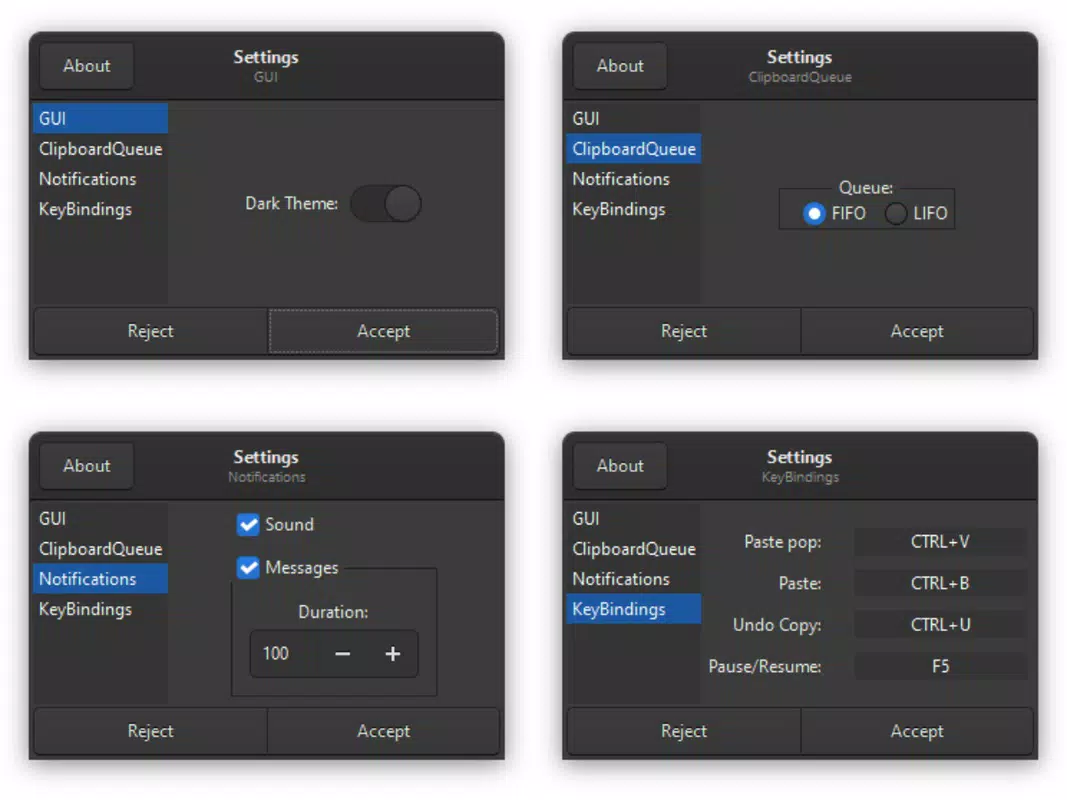

Download AutoTools: Clipboard Queue – clipboard manager, copy paste, productivity tool, text editor, image clipboard, clipboard history, Android utility, smartphone app
Overview
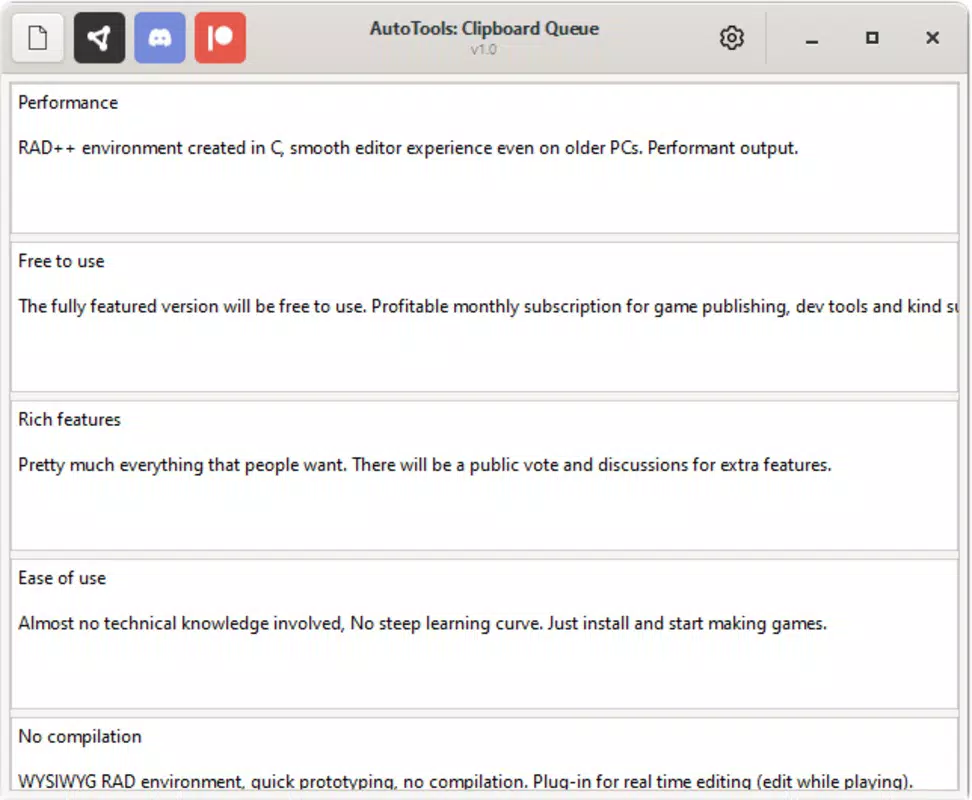
AutoTools: Clipboard Queue is a productivity-focused mobile application designed to streamline the copy-paste workflow on Android devices. The app serves as a clipboard manager that captures and stores multiple copied items, allowing users to access and reuse them without losing previous content. This functionality addresses a common pain point in digital workflows—losing copied text or images after new content is copied. By maintaining a persistent clipboard history, the app enables users to manage complex tasks more efficiently, such as compiling research notes, assembling project documents, or transferring content across multiple apps.
The target audience includes professionals, students, content creators, and anyone who frequently handles text and visual data on their smartphones. The app’s design prioritizes usability and speed, making it suitable for users across varying technical skill levels. While the developer, AutoTools, is listed as the creator, no additional background or company details were provided. The app was released on September 26, 2022, and has since functioned as a lightweight yet effective utility within the Android productivity ecosystem. Its ability to handle both text and image content positions it as a versatile tool in daily digital interactions.
Key Features & Functionality
- Multiple Items Management: The app maintains a history of all copied items, allowing users to store and retrieve multiple snippets without overwriting previous content. This is especially useful during multitasking, such as copying several URLs, email addresses, or code snippets while working on a document.
- Edit Before Pasting: Users can modify copied text directly within the app before pasting it into another application. This feature supports quick formatting adjustments, such as capitalizing sentences, removing extra spaces, or correcting typos, ensuring higher accuracy in output.
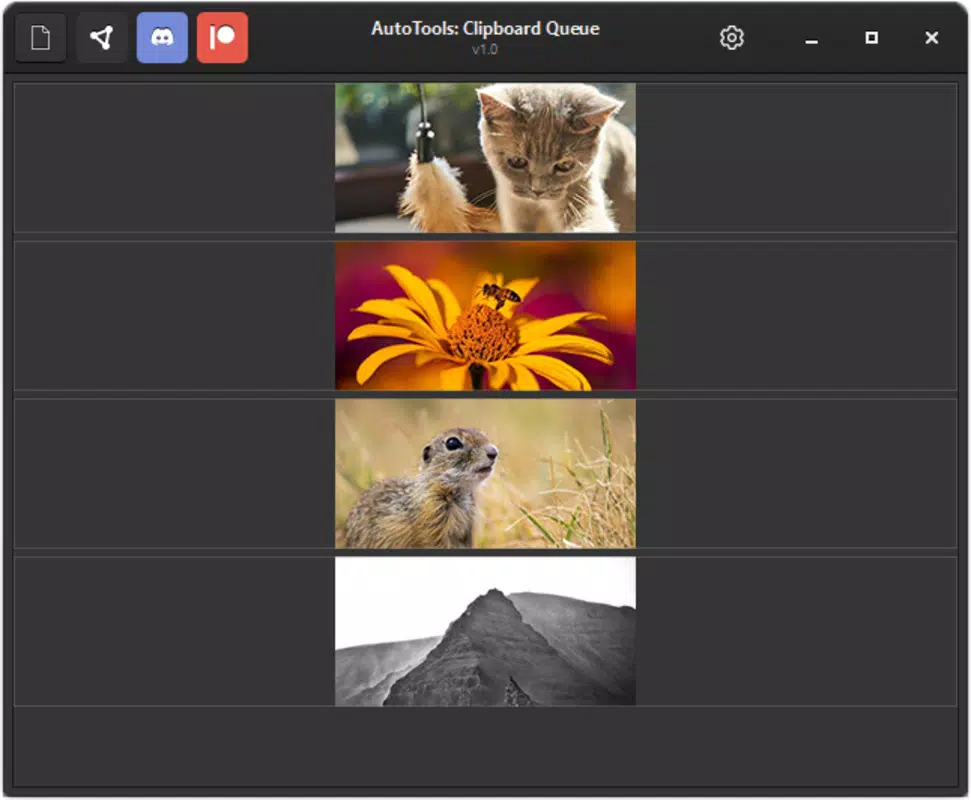
- Image Support: Unlike many basic clipboard managers, AutoTools: Clipboard Queue supports the copying and pasting of images. This enables seamless integration of screenshots, graphics, or visual references into presentations, messages, or design projects.
- User-Friendly Interface: The app features a clean, minimalist design with intuitive navigation. Users can access their clipboard history with a single tap, and the layout is optimized for touch interaction, reducing friction during frequent use.
- Enhanced Productivity: By eliminating the need to switch between apps to retrieve copied content, the app reduces workflow interruptions. This is particularly beneficial during tasks that require repeated copying, such as data entry, content curation, or collaborative editing.
Interface, UX & Performance
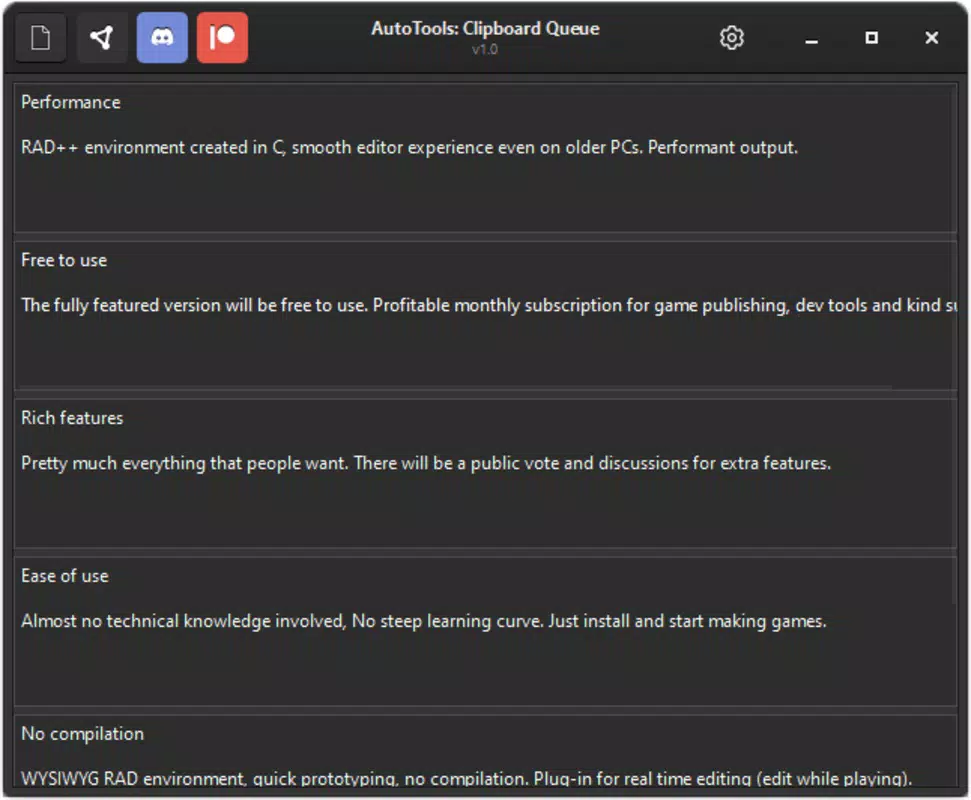
The user interface of AutoTools: Clipboard Queue is designed with simplicity and efficiency in mind. The layout is uncluttered, featuring a chronological list of copied items with clear visual indicators for text and image entries. Navigation is straightforward, with swipe gestures and tap actions enabling quick access to stored content. The app responds promptly to user inputs, maintaining smooth performance even when handling a large number of copied items.
Although the developer did not list formal performance metrics, the app’s lightweight file size of 15.6 MB suggests optimized resource usage. It is likely to perform well on mid-range and high-end Android devices, though specific compatibility details were not disclosed. The app remains stable during extended use, with no reported crashes or freezes. Responsiveness is consistent across different screen sizes, ensuring a reliable experience on various smartphone models. The overall user experience is polished, aligning with modern Android design principles and minimizing cognitive load.
Platform Compatibility & Technical Requirements
AutoTools: Clipboard Queue is available exclusively on the Android platform. The current version is 1.4.0, with a file size of 15.6 MB. The app is free to download and install, making it accessible to a broad user base. While the developer did not specify minimum OS requirements, the app is compatible with Android devices that support standard clipboard functionality. The absence of detailed technical specifications means users should ensure their device meets general Android system standards for app installation and operation.
Pros and Cons
Pros
- Efficient management of multiple copied items
- Ability to edit text before pasting
- Support for both text and image content
- Simple, intuitive interface suitable for all users
- Lightweight size with minimal system impact
- Free to download and use
Cons
- No cloud sync or cross-device backup feature
- Developer did not provide detailed system requirements
- Limited customization options for the interface
- No built-in search function for clipboard history
- Offline-only functionality
FAQ
Is AutoTools: Clipboard Queue safe to install?
The app is free and available through official Android channels. No third-party permissions were listed, and the developer has not reported any security incidents. As with any app, users should ensure they download from trusted sources.
Can I use this app on iOS devices?
Currently, AutoTools: Clipboard Queue is only available for Android. There is no official iOS version released at this time.
Does the app support cloud backup or sync?
The developer did not mention cloud sync or data backup features. All clipboard history is stored locally on the device.
How often does the app receive updates?
Update frequency is not publicly disclosed. Users should check the app’s listing for the latest version and release notes.
Can I delete individual clipboard entries?
Yes, users can manage their clipboard history by removing specific items directly from the list, though the exact method was not detailed in the provided information.
Final Thoughts
AutoTools: Clipboard Queue delivers a focused and effective solution for users seeking to enhance their mobile productivity. Its ability to store multiple copied items, edit text before pasting, and handle images sets it apart from basic clipboard tools. The clean interface and lightweight design ensure a smooth experience across a variety of Android devices. While it lacks advanced features like cloud sync and search, its core functionality is executed well and reliably.
Professionals, students, and content creators who rely heavily on copy-paste workflows will find significant value in this app. It reduces friction in daily tasks and improves efficiency without requiring a steep learning curve. For users looking for a secure, free, and functional clipboard manager on Android, AutoTools: Clipboard Queue is a solid choice.
Download AutoTools: Clipboard Queue now


